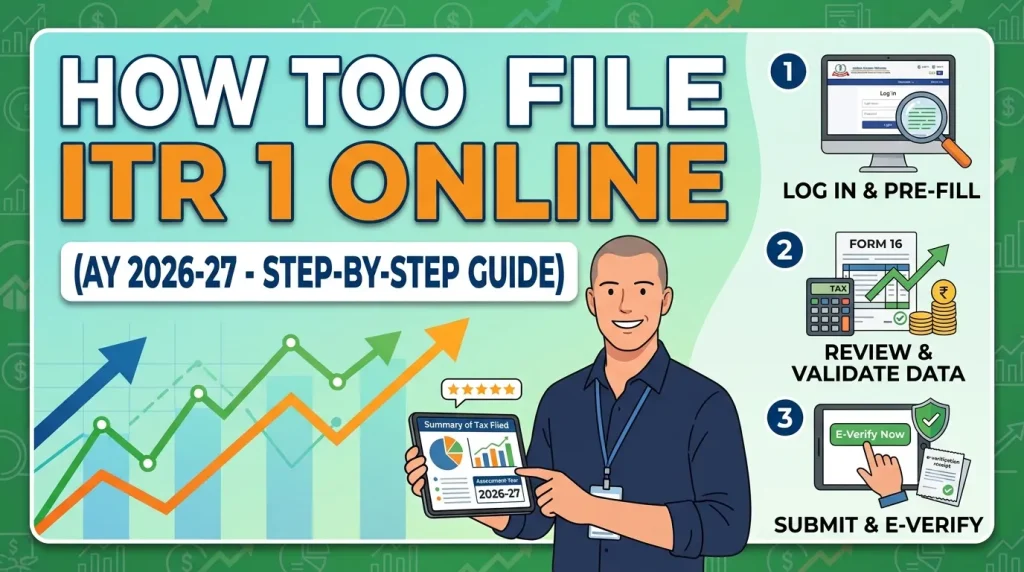
July 31, 2026 is the last date to file your Income Tax Return for FY 2025-26. If you are a salaried employee with a straightforward income — salary, FD interest, maybe some rent — there is genuinely no reason to pay a CA or a third-party platform to do this for you. The income tax portal is well-designed, most of your data comes pre-filled, and the entire process can be completed in 30 to 45 minutes if you are prepared.
In this article, I will walk you through the complete step-by-step process of filing ITR-1 online for AY 2026-27, what documents to keep ready, where most people go wrong, and how to make sure your return is complete after submission.
Download Income Tax Excel Calculator:
How to File ITR 1 Online for AY 2026-27 VIDEO
Watch more Videos on YouTube Channel
Who Should File ITR-1 for AY 2026-27?
ITR-1, also called Sahaj, is the simplest ITR form. In simple words, ITR-1 is for individual taxpayers who do not have income from business or profession, multiple house properties, or complex capital gains.
You can file ITR-1 if:
- You are a resident individual (not NRI)
- Your income is from salary or pension
- You have income from up to 2 house properties
- You have interest income from savings account, FD or recurring deposits
- You have long-term capital gains under Section 112A up to Rs. 1.25 Lakh from listed equity shares or equity mutual funds
- Your total income does not exceed Rs. 50 Lakh
You cannot use ITR-1 if:
- You have capital gains above Rs. 1.25 Lakh or any short-term capital gains
- You are a director in a company
- You have foreign assets or foreign income
- You have income from F&O trading or business
- Your total income exceeds Rs. 50 Lakh
If any of these apply to you, check ITR-2 or ITR-3. Filing the wrong form makes your return defective — the department will send you a notice to correct it within 15 days.
Documents to Keep Ready Before You Start
Nothing causes more frustration than starting to file and realising you are missing something midway. Keep these ready before you open the portal:
- PAN Card — your login ID for the income tax portal
- Aadhaar — must be linked to your PAN; used for e-verification
- Form 16 — issued by your employer. Part A has TDS details, Part B has salary breakup and deductions. If you changed jobs, you need Form 16 from both employers
- Form 26AS — download from the income tax portal; shows all TDS deducted against your PAN
- AIS (Annual Information Statement) — shows all income reported against your PAN including FD interest, dividends, and mutual fund transactions
- Bank account details — account number and IFSC for refund credit
- Investment proofs — for 80C, 80D, NPS, HRA rent receipts (only if filing under old regime)
- Interest certificates — from your bank for FD interest earned during FY 2025-26
Before touching the portal, match your Form 16 TDS amount with Form 26AS. If there is any mismatch, contact your employer to correct their TDS return first. Filing with a mismatch triggers automated notices.
ITR-1 Filing Due Date for AY 2026-27
The due date to file ITR-1 for FY 2025-26 (AY 2026-27) is 31st July 2026 for individuals not requiring tax audit. If you miss the due date, you can still file a belated return up to 31 December 2026, with additional interest and late fees under Section 234F.
Late filing penalty under Section 234F:
- Income below Rs. 5 Lakh — penalty of Rs. 1,000
- Income above Rs. 5 Lakh — penalty of Rs. 5,000
File before July 31 — there is no benefit to waiting and real cost to missing the deadline.
How to File ITR-1 Online – Step by Step
Step 1 – Log In to the Income Tax Portal
- Go to incometax.gov.in
- Click Login at the top right
- Enter your PAN as User ID, your password, and the captcha
- If you have never registered, click Register, enter your PAN and complete the one-time registration using your mobile number and email
Step 2 – Go to File Income Tax Return
- After login, click on e-File in the top menu
- Select Income Tax Returns from the dropdown
- Click File Income Tax Return
Step 3 – Select Assessment Year and Mode of Filing
- Choose AY 2026-27 for income earned during FY 2025-26
- Select Online as the mode of filing
- Click Continue
- If you started filing earlier and saved it, click Resume Filing. Otherwise click Start New Filing
Step 4 – Select ITR-1
- The portal will ask you to select the ITR form
- Select ITR-1 (Sahaj)
- Click Proceed with ITR-1
- The portal will show you a checklist of conditions — confirm that you meet all of them before proceeding
Step 5 – Review and Edit Pre-Filled Data
This is the most important step. The portal pre-fills data from your Form 16, Form 26AS, and AIS. You will see the following sections:
Personal Information:
- Verify your name, date of birth, PAN, Aadhaar, address, email and mobile number
- Confirm your filing status — original return or revised
Gross Total Income:
- Salary income — this comes from your employer’s TDS filing. If you changed jobs, verify that both salaries are included
- Income from house property — enter rent received minus 30% standard deduction and home loan interest if applicable
- Income from other sources — FD interest, savings account interest, dividends. Cross-check every amount against your AIS before confirming
Tax Deductions:
- Under old regime — claim 80C (PF, PPF, ELSS, insurance premium up to Rs. 1.5 Lakh), 80D (health insurance premium), 80TTA (savings interest up to Rs. 10,000), HRA, home loan interest under Section 24
- Deductions under Sections 80C to 80U must now be selected from a drop-down menu in the e-filing portal, and the exact clause or sub-section must be specified
- Under new regime — only standard deduction of Rs. 75,000 applies. Most other deductions are not available
Tax Regime Selection:
- The new tax regime is the default regime. However, eligible taxpayers have the option to opt out of the default tax regime and choose to be taxed under the old tax regime
- For salaried individuals, you can switch between regimes every year directly in the ITR
- Calculate your tax under both regimes before choosing — use the income tax calculator on this page to compare in seconds
Step 6 – Review Tax Computation
After entering all income and deductions, the portal calculates your total tax liability automatically.
- If you have already paid more tax (through TDS) than your actual liability — the difference shows as your refund amount
- If your actual tax liability is higher than TDS deducted — you have to pay the remaining tax before submitting
To pay additional tax:
- Go to e-File → e-Pay Tax on the portal
- Select Self Assessment Tax (300) as the payment type
- Complete payment via net banking or UPI
- Come back to the filing page and enter the Challan details
Step 7 – Validate All Sections
The portal has a Validate button at the bottom of each section. Click it after completing each section. The portal will flag any errors or missing mandatory fields. Fix all errors before proceeding.
Once all sections are validated, a final summary screen shows your total income, total deductions, total tax payable, TDS already deducted, and net refund or tax due.
Review this summary carefully. Match it against your Form 16 to confirm the numbers look right.
Step 8 – Submit the Return
- Once satisfied with the summary, click Submit
- The portal confirms the submission and generates an Acknowledgement Number (ITR-V)
- Download and save this ITR-V immediately — it is your proof of filing
Step 9 – E-Verify Your ITR (Mandatory)
Filing is not complete until you e-verify. If you do not e-verify within 30 days of filing, your return is treated as not filed.
E-verification options:
- Aadhaar OTP — fastest option, instant. Your Aadhaar must be linked to your PAN and your registered mobile number must be active
- Net banking — log in to your bank’s net banking and verify through the income tax portal
- Demat account — verify using your CDSL or NSDL demat account
- Bank account EVC — generate an Electronic Verification Code through your bank
After successful e-verification, the portal sends a confirmation to your registered email and mobile. Your ITR is now officially filed and complete.
ALSO READ: 9 Things to Know while Filing ITR
New Changes in ITR-1 for AY 2026-27
A few important updates in ITR-1 this year that every filer should know:
- Taxpayers can now report income from up to 2 house properties in ITR-1. Previously only up to 1 house property could be reported
- Taxpayers can now report long-term capital gains under Section 112A from listed equity shares and equity mutual funds in ITR-1, provided the total LTCG does not exceed Rs. 1.25 Lakh. Previously any capital gains required ITR-2
- The 28-digit Aadhaar Enrolment ID is no longer accepted. The field now only accepts a valid 12-digit Aadhaar Number
- An additional column has been added under TDS details to specify the section under which TDS is deducted
How to Track Your Refund After Filing ITR-1
If your TDS was higher than your actual tax, you are entitled to a refund. After e-verification:
- Log in to incometax.gov.in
- Go to e-File → Income Tax Returns → View Filed Returns
- Select AY 2026-27 to view your refund status
You can also track it on the NSDL TIN portal by entering your PAN and assessment year. If your return is correctly filed and e-verified, the Income Tax Department generally processes refunds within 4 to 8 weeks. However, the timeline may vary depending on the complexity of the return and departmental verification.
Make sure your bank account is pre-validated on the income tax portal and linked to your PAN — without this, refunds cannot be credited.
Frequently Asked Questions on ITR-1 Filing for AY 2026-27
What is the last date to file ITR-1 for AY 2026-27?
The due date is July 31, 2026 for salaried individuals. Belated returns can be filed up to December 31, 2026 with a late fee of Rs. 1,000 or Rs. 5,000 depending on your income level.
Can I file ITR-1 if I have FD interest income?
Yes. FD interest income falls under income from other sources and is fully reportable in ITR-1. Enter the gross FD interest and claim TDS already deducted as credit.
Can I file ITR-1 without Form 16?
Yes. You can file your ITR even if you do not have Form 16. You can use your salary slips, AIS, Form 26AS, and bank statements to calculate your income and taxes before filing the return. However, the salary and TDS figures must be reconciled carefully against what appears in AIS.
What if I made a mistake in my filed ITR-1?
File a revised return under Section 139(5) before December 31, 2026. Select revised return on the portal, enter your original ITR acknowledgement number, correct the mistake, and re-submit. E-verify the revised return as well.
Is e-verification of ITR-1 mandatory?
Yes — without e-verification your ITR is treated as invalid and not filed. Always e-verify immediately after submitting, using Aadhaar OTP for the fastest completion.
Filing ITR-1 yourself is straightforward if you are prepared. Download your Form 16, AIS and Form 26AS first, calculate your tax under both regimes using the income tax calculator on this page, then follow the steps above on the portal. You can complete the entire filing in under an hour — and get your refund credited directly to your bank account without paying anyone a fee for something you can easily do yourself.
Save Home Loan Interest Amount!
Use Home Loan Excel Calculator that will help you to Save Interest Amount on Home Loan EMI.
Click below button to download Home Loan EMI and Prepayment Calculator in Excel:
Watch how Home Loan Calculator in Excel Works
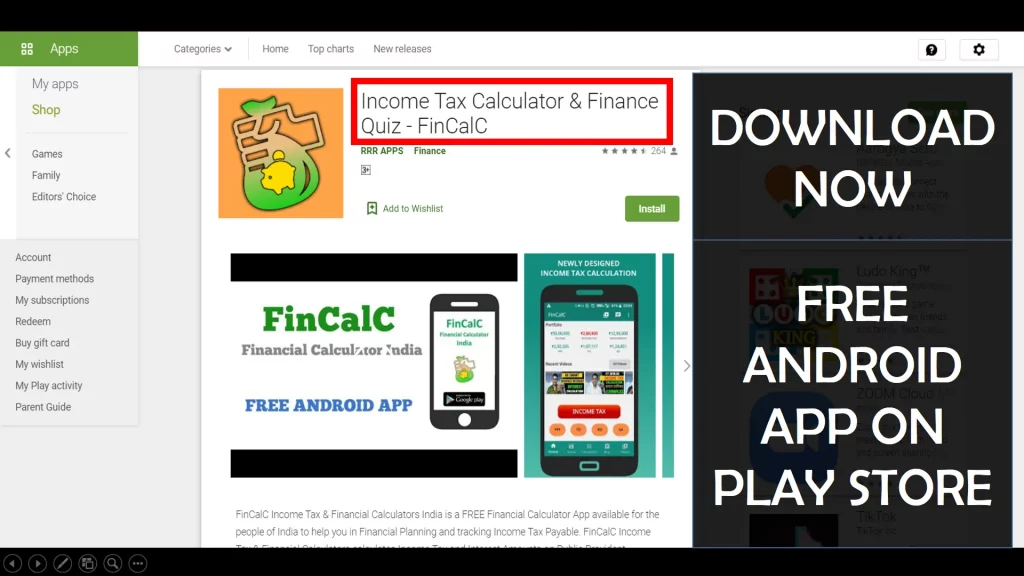
Income Tax Calculator App – FinCalC
For Income Tax Calculation on your mobile device, you can Download my Android App “FinCalC” which I have developed for you to make your income tax calculation easy.
What you can do with this mobile App?
- Calculate Income Tax for FY 2025-26 and previous FY 2024-25
- Enter estimated Investments to check income tax with Old and New Tax Regime
- Save income tax details and track regularly
- Know how much to invest more to save income tax
- More calculators including PPF, SIP returns, Savings account interest and lot more
Use Popular Calculators:
- Income Tax Calculator
- Home Loan EMI Calculator
- SIP Calculator
- PPF Calculator
- HRA Calculator
- Step up SIP Calculator
- Savings Account Interest Calculator
- Lump sum Calculator
- FD Calculator
- RD Calculator
- Car Loan EMI Calculator
- Bike Loan EMI Calculator
- Sukanya Samriddhi Calculator
- Provident Fund Calculator
- Senior Citizen Savings Calculator
- NSC Calculator
- Monthly Income Scheme Calculator
- Mahila Samman Savings Calculator
- Systematic Withdrawal Calculator
- CAGR Calculator
I’d love to hear from you if you have any queries about Personal Finance and Money Management.
JOIN Telegram Group and stay updated with latest Personal Finance News and Topics.
Download our Free Android App – FinCalC to Calculate Income Tax and Interest on various small Saving Schemes in India including PPF, NSC, SIP and lot more.
Follow the Blog and Subscribe to YouTube Channel to stay updated about Personal Finance and Money Management topics.
Disclaimer: Mutual Fund investments are subject to market risks, read all scheme related documents carefully. Registration granted by AMFI, membership of SIRO (if applicable), and certification from NISM in no way guarantee performance of the intermediary or provide any assurance of returns to investors.
Distributor Details: Name: Abhilash Gupta | AMFI Registered Mutual Fund Distributor | ARN: 367014